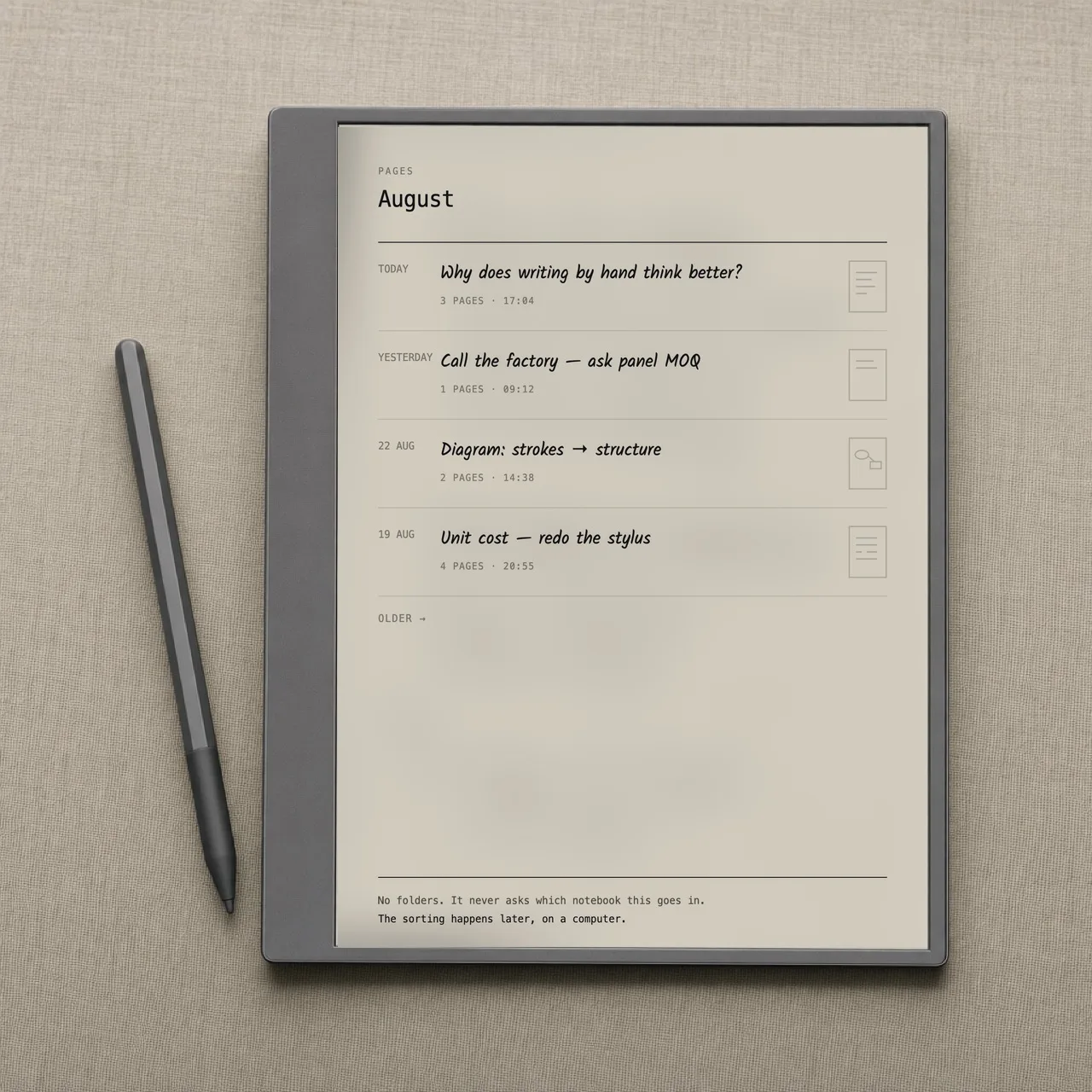
This is what gemnotes looks like on the tablet itself. No home screen, no grid of apps, no status bar. The resting state of the device is a blank page, everything else has to earn its way back in.
There is no launcher to get past and no notebook to choose. The device wakes into the page you were on, with a faint rule and a wide left margin to hold it by.
Two indicators, bottom corners: the date, and the page number. No battery, no wifi, no clock, each of those is a reason to look up from what you were writing.
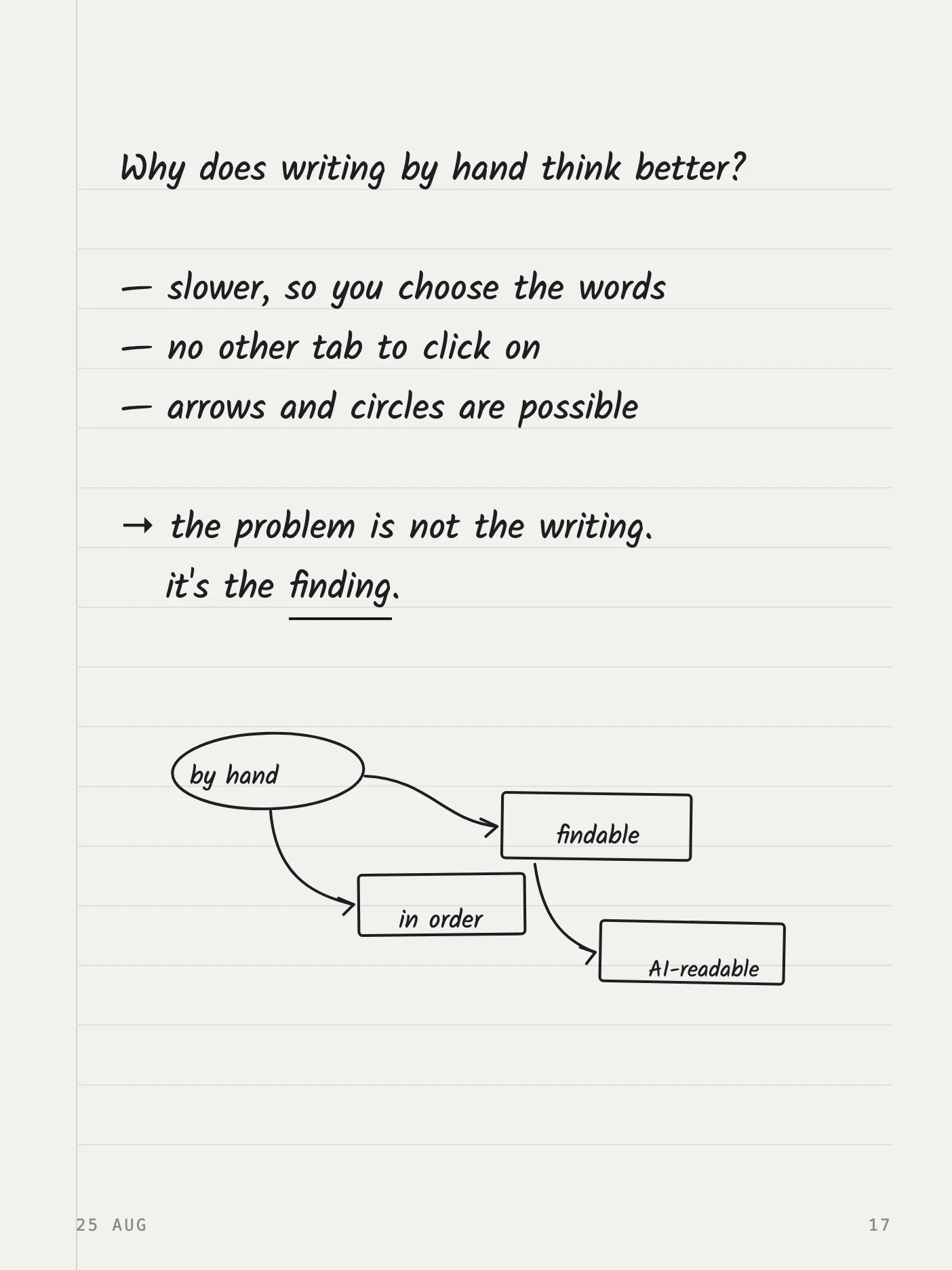
Pen, eraser, shapes, find, pages. Swipe in from the left edge to bring the bar out; let go and it's gone. There's no permanent button to summon it, that's a feature that was cut, not one that was forgotten.
A toolbar that is always visible is a toolbar you are always slightly aware of.
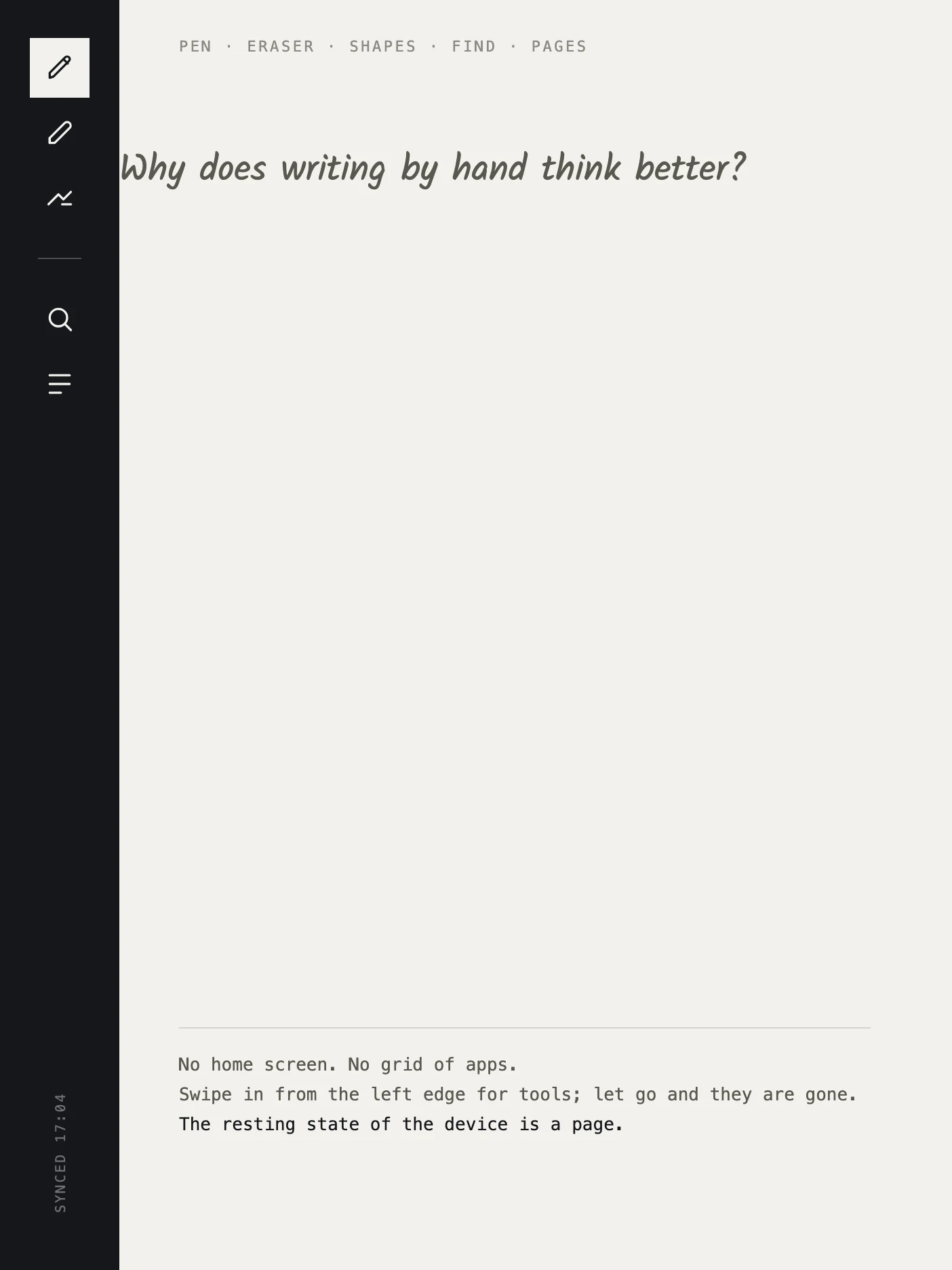
A timeline. Today, yesterday, the 22nd. That's the whole organising model on the device.
This is deliberate, and it comes from a complaint we kept reading in the same words: every note arrives with a question attached, which notebook does this belong in, and that question is the expensive one. So it isn't asked. Sorting happens later, on a computer, where you can see everything at once.
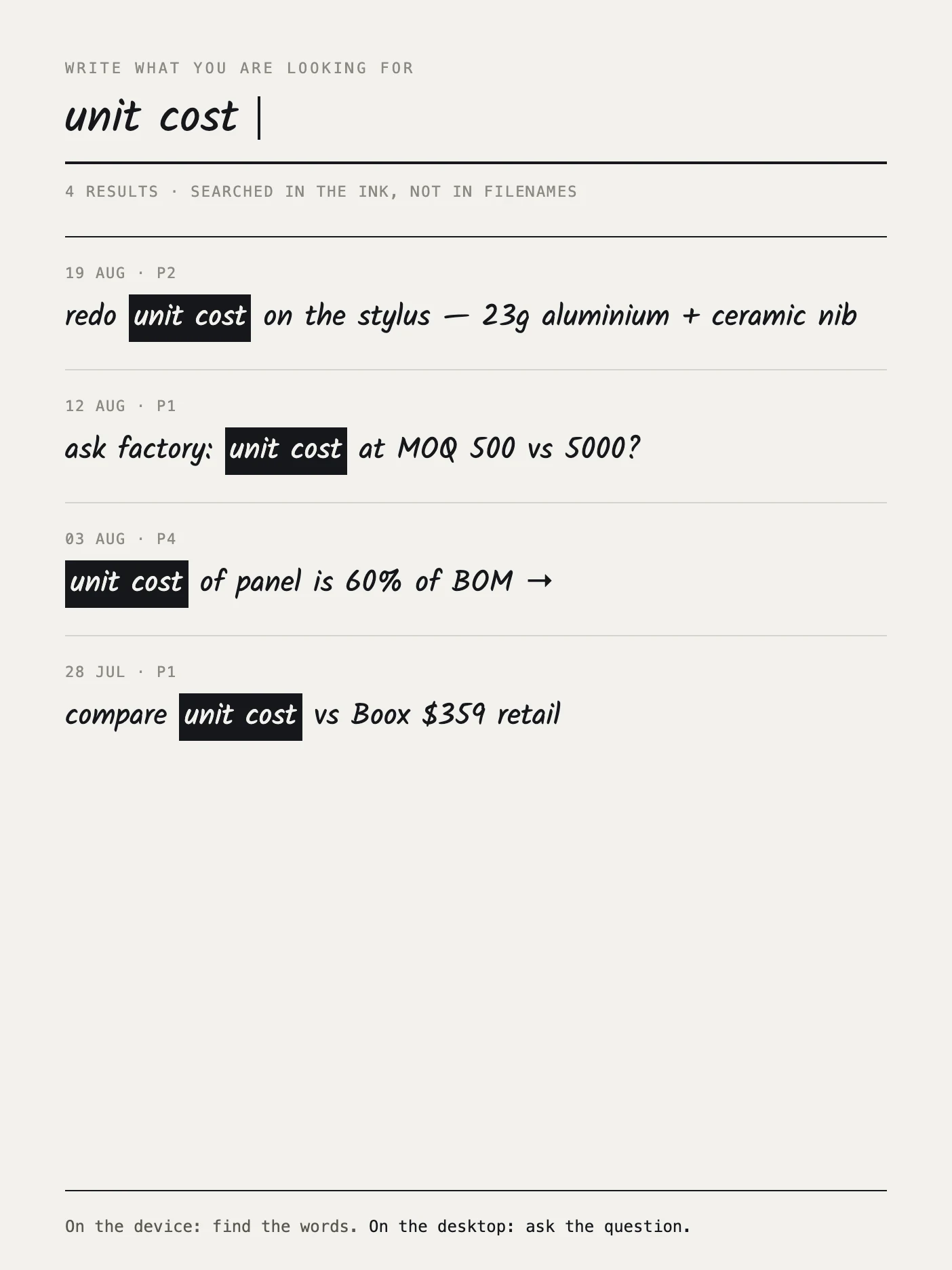
Write what you're looking for. Results come back as your own ink, with the matched words picked out, because it searched inside the strokes, not inside filenames.
The search box does not open a virtual keyboard, and that's not a stylistic choice. Light Phone II shipped e-ink and typing latency became their top complaint; their third device dropped e-ink entirely. On a page this slow to refresh, typing is the failure mode.
On the device: find the words. On the desktop: ask the question.
The tablet's whole job. Every stroke keeps its coordinates, its pressure and its timestamp, and gets written to an open format called .ink.
Measured 31 Aug 2026 on a Go 10.3 Lumi, using Onyx's raw pen path. The browser-based version of the same surface sits at about 30 ms.
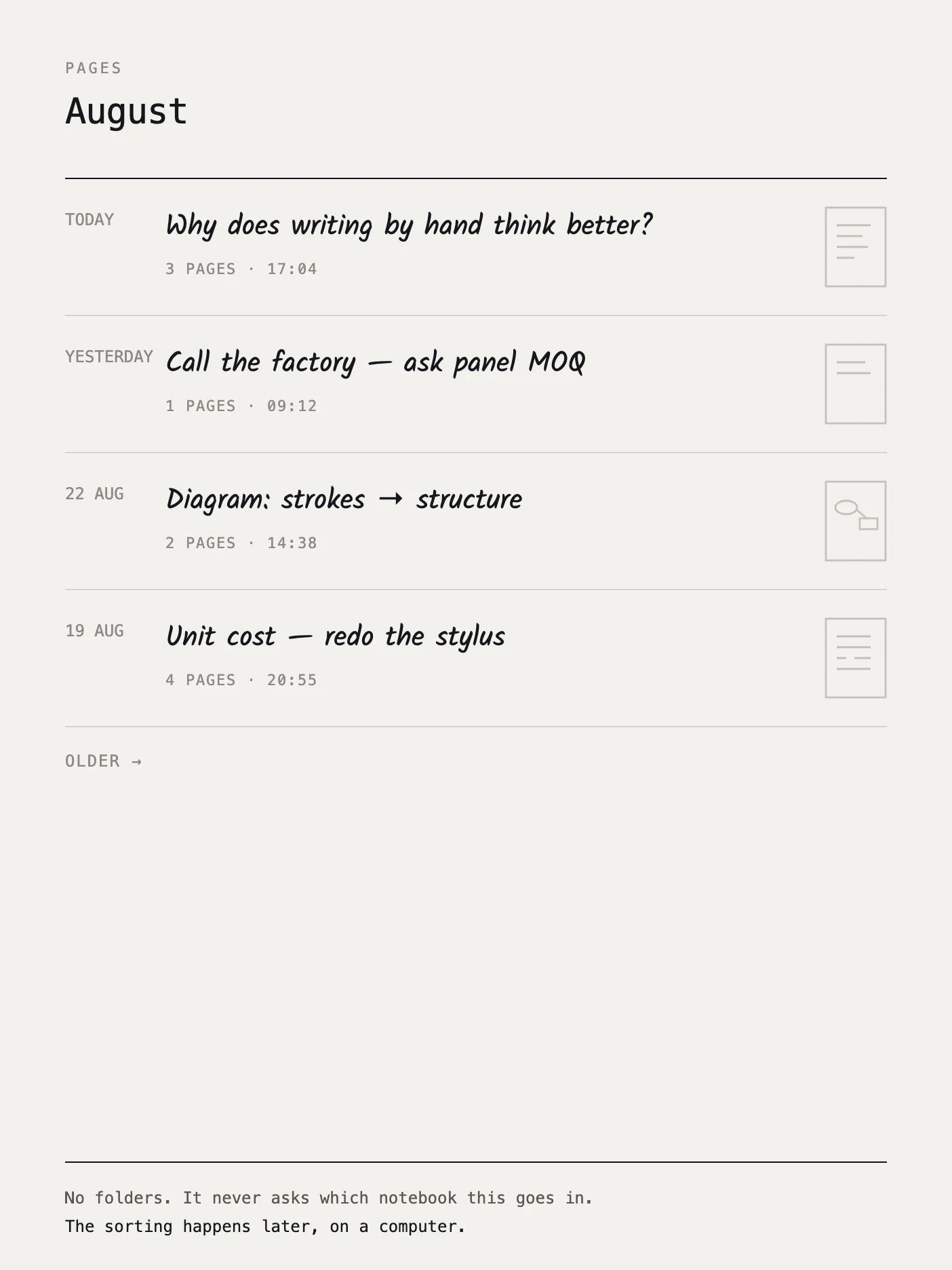
You draw the box first, then the arrow leaving it. That order is the parent-child signal a diagram builder needs, and it's destroyed the moment a page is flattened into an image.
A tap in the left margin flags the line beside it instead of leaving a stroke. It is the thing people already do to paper with a pen, and it's where the logo comes from.